
git add -A && gitmit
Commit messages that follow your team's rules.
Clean, convention-compliant git commit messages from your staged changes. Works offline, keeps secrets on your machine, follows your commitlint rules, and splits messy changes into focused commits.
npm install -g @gitmit/cliTry it
Paste a diff, or pick an example. Offline mode runs gitmit's rules right here in your browser, with no account and no key. Bring your own OpenAI or Anthropic key to see AI-written messages.
Tip: git diff --staged | pbcopy on macOS, or git diff --staged | clip on Windows.
Runs entirely in your browser with gitmit's rules. Nothing is sent anywhere.
VS Code extension
Use it right in VS Code
Generate messages and split messy changes from the Source Control panel. Same rules, same secret scan and same team config as the command line, with keys kept in VS Code's encrypted storage.
code --install-extension gitmit.gitmit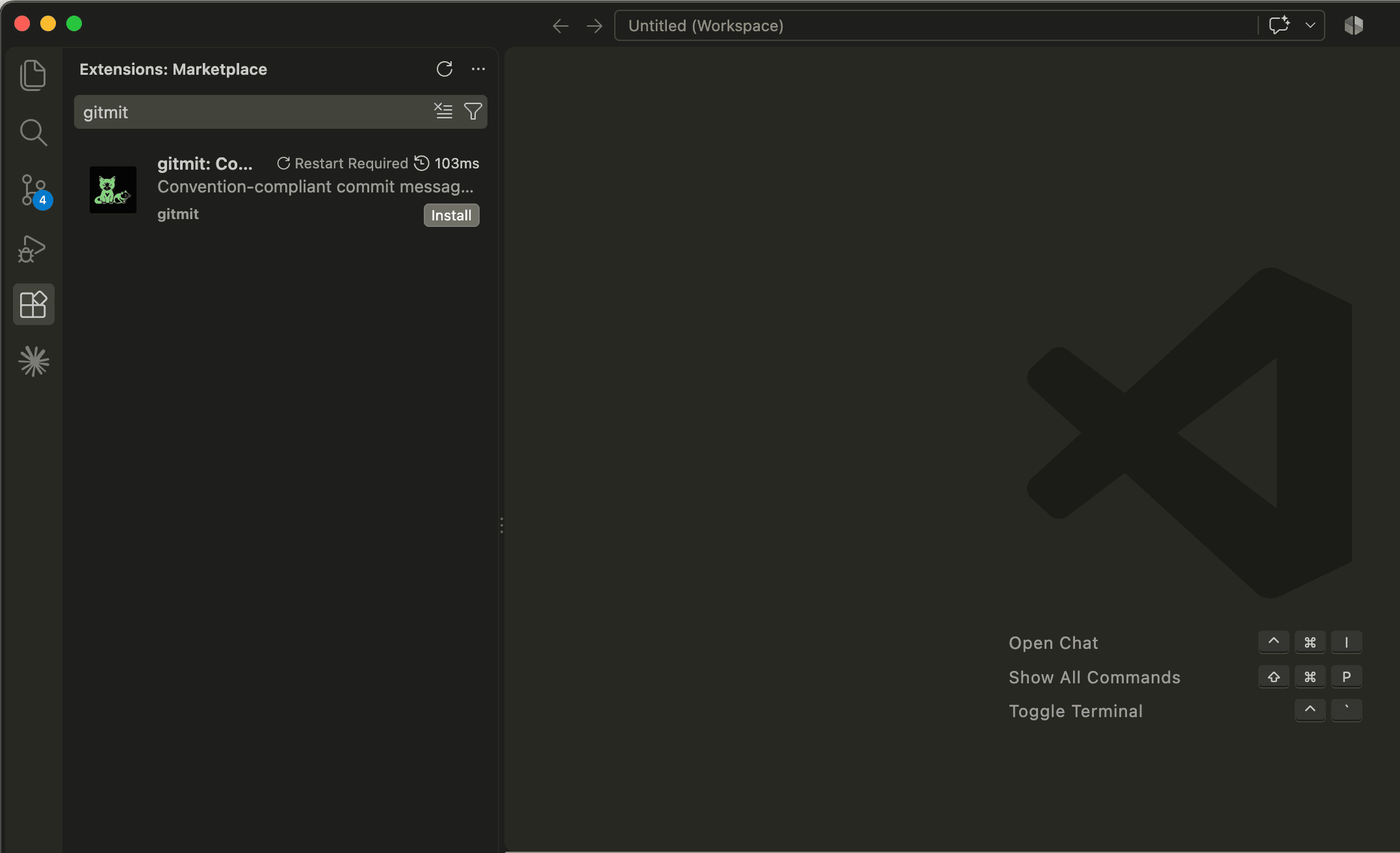
Why gitmit
Rules first, AI second
Type and scope come from deterministic rules. When the rules are sure (only docs, only tests, a version bump), the AI can't override them. The model writes what rules can't: what changed and why.
Your team's rules, enforced
Reads your commitlint config and checks every suggestion against it before you see it. Allowed types, scopes, length limits and ticket IDs from the branch name.
Secrets stay on your machine
Before anything goes to a remote AI, gitmit scans for API keys, tokens, private keys and .env files. If it finds one, nothing is sent.
Works offline
No API key? gitmit still writes messages from rules alone. Prefer local models? Use Ollama and nothing leaves your computer.
Splits messy changes
Staged three unrelated things? gitmit split turns them into focused commits, rehearsed first and fully restored if anything fails.
Noise is ignored
Lockfiles, build output, minified files, snapshots and binaries are recognized and never sent to a model, so they don't drown out the real change.
How it works
- Parse→
- Classify→
- Detect type→
- Infer scope→
- Summarize→
- Secret scan→
- Generate→
- Validate
The model only sees a bounded, secret-scanned summary, and every suggestion is checked against your rules before you see it. Read the details.
Get started in a minute
npm install -g @gitmit/cli# stage your changes, then gitmit # pick a message and commit gitmit split # or split into focused commits gitmit --push # commit, then push
Requires Node.js 20.12 or later. Add an API key for AI-written messages, or keep it fully offline.